
Getting Started - Create Your First App
There are three ways to access to the App creator:
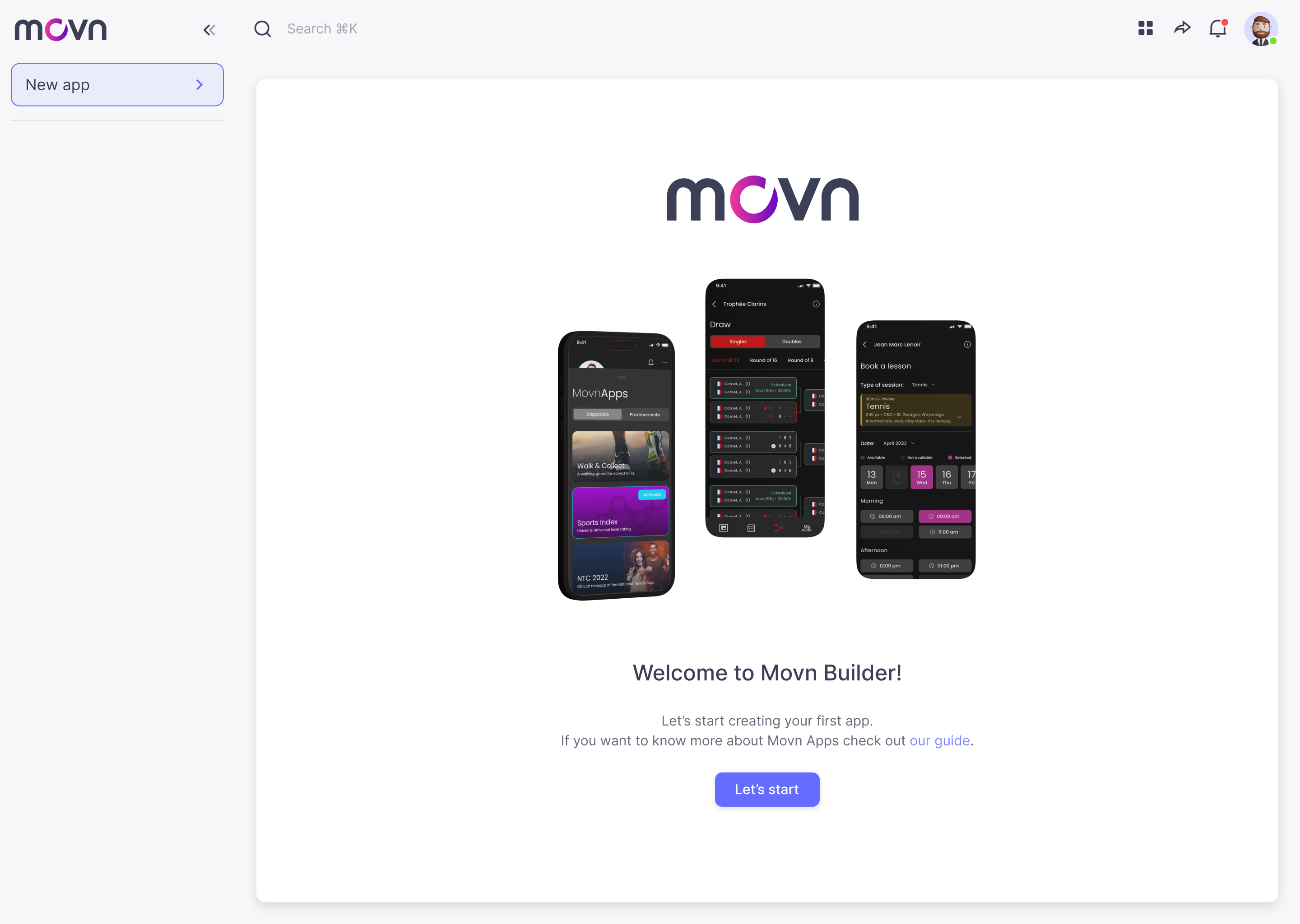
- First time accesing to the Movn Builer. You will see the following screen, you only need to click on the button Lets start! to start the ceation process.
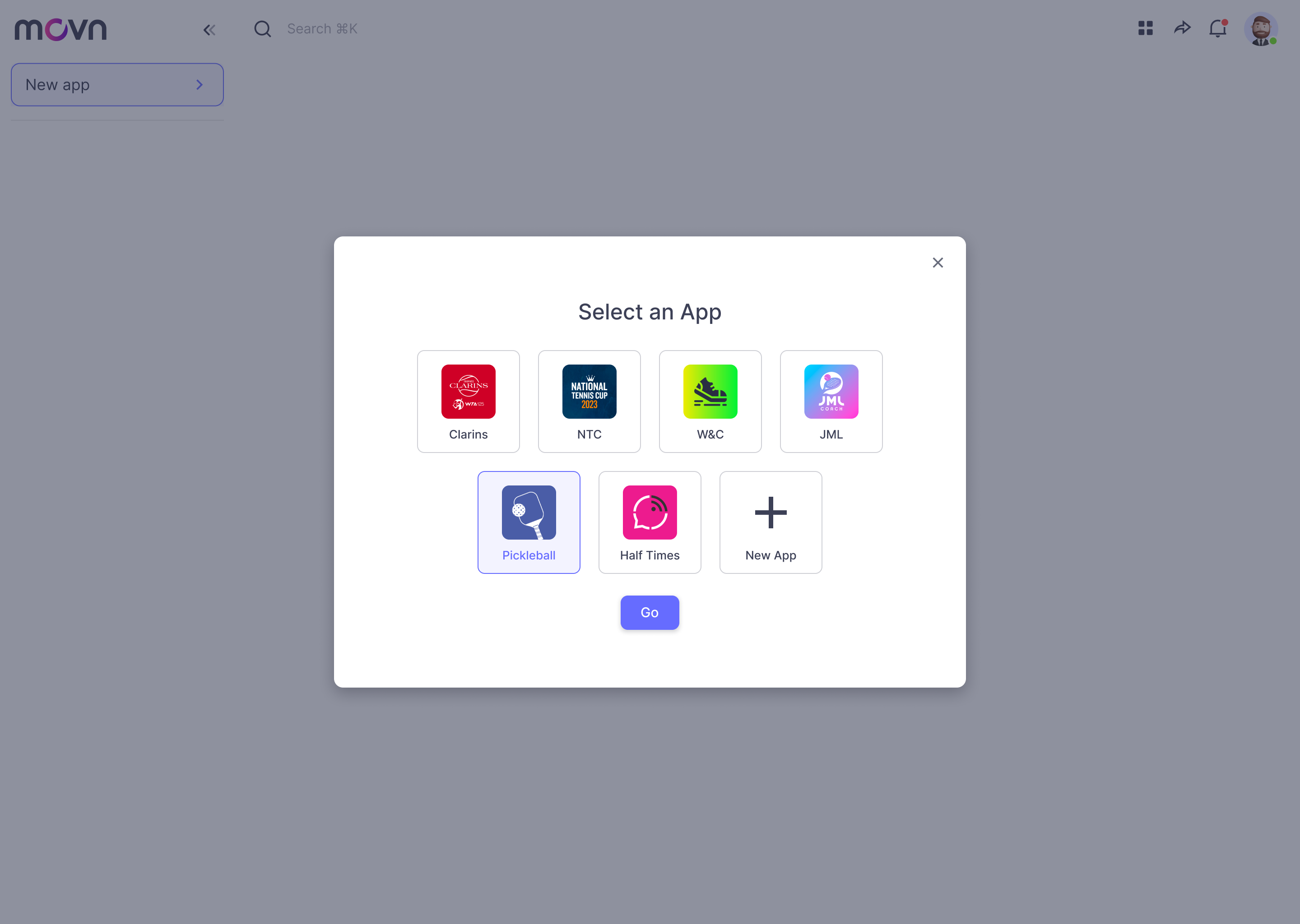
- You already have created an app and you are accesing again to the Movn Builder. You will see the following screen, you only need to click con the button New App to start the creating process.
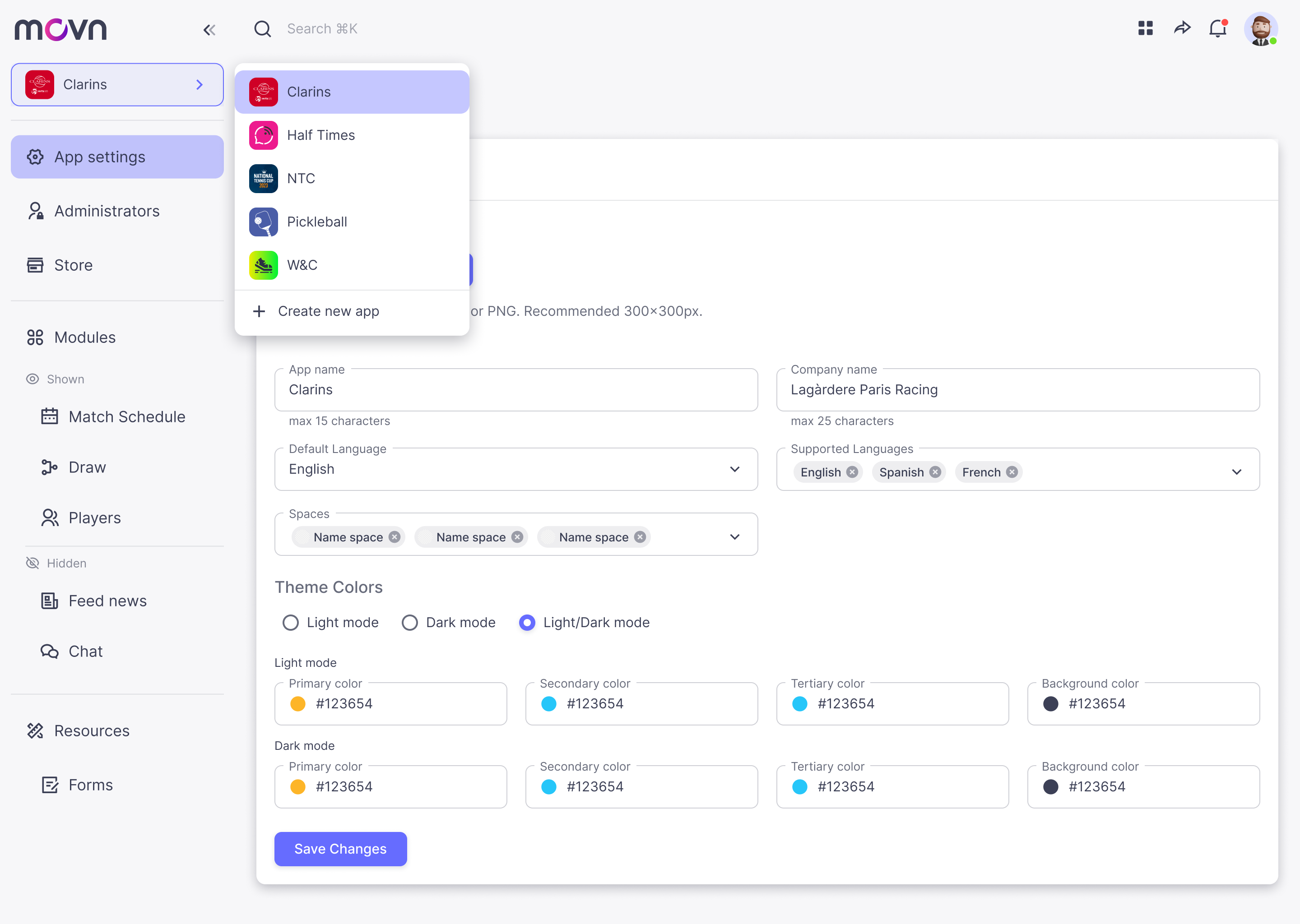
- You are at other Screen. The following screen is an example, but the way of accesign in other screens are all the same. You only need to click con the App button in the left menu, a dropdown will appear with a list of all the apps you have created, then click on Create New App to start the creating process.
APP CREATOR PROCESS
Once you already start the app creator process you will need to follow the following steps:
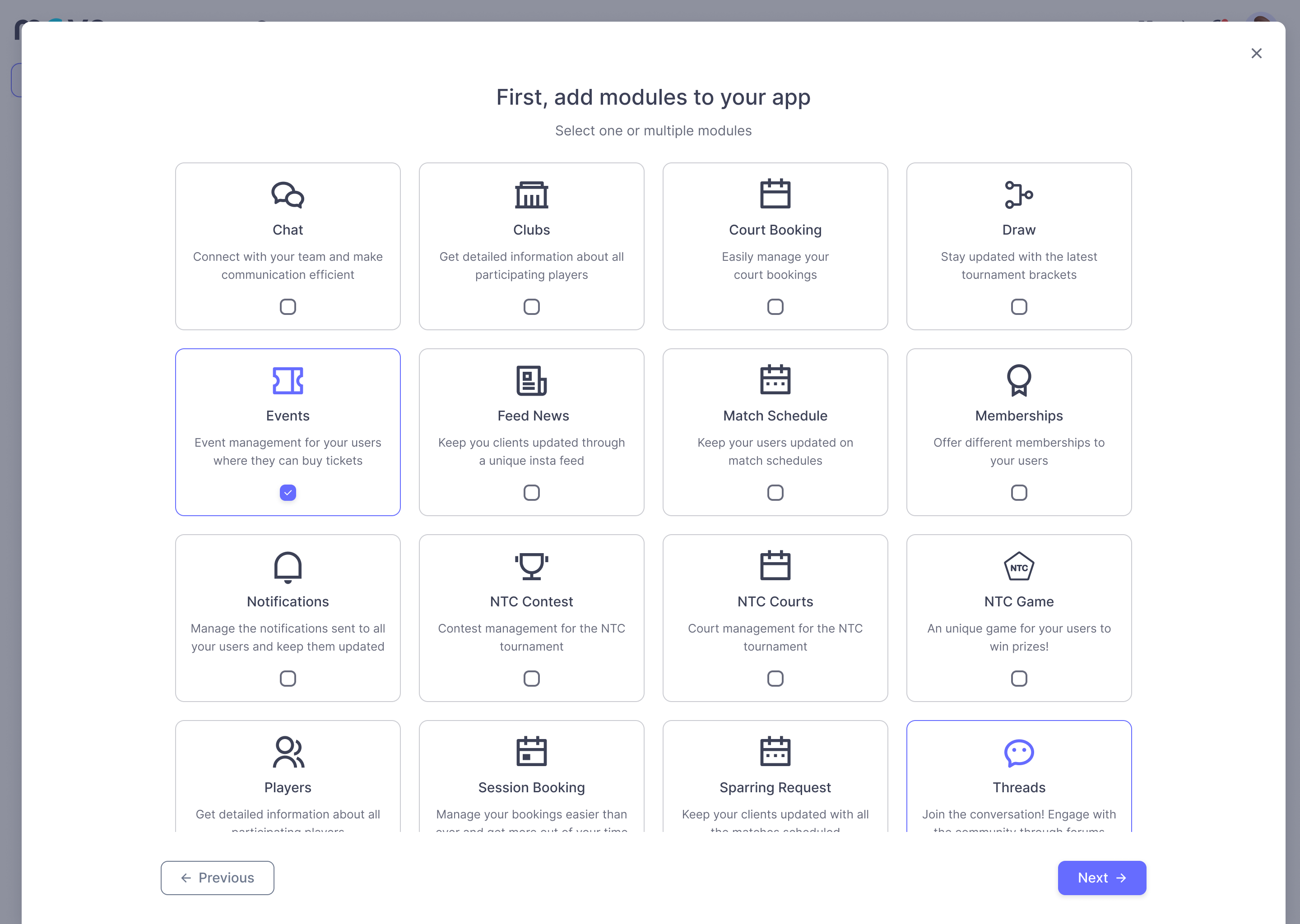
- Select the modules of your app. A list of modules will appear, you only need to select the ones you need.
- Now it's time to complete all the info details of your App.

- Now your App is created! In this step you can publish your app now or do it later.
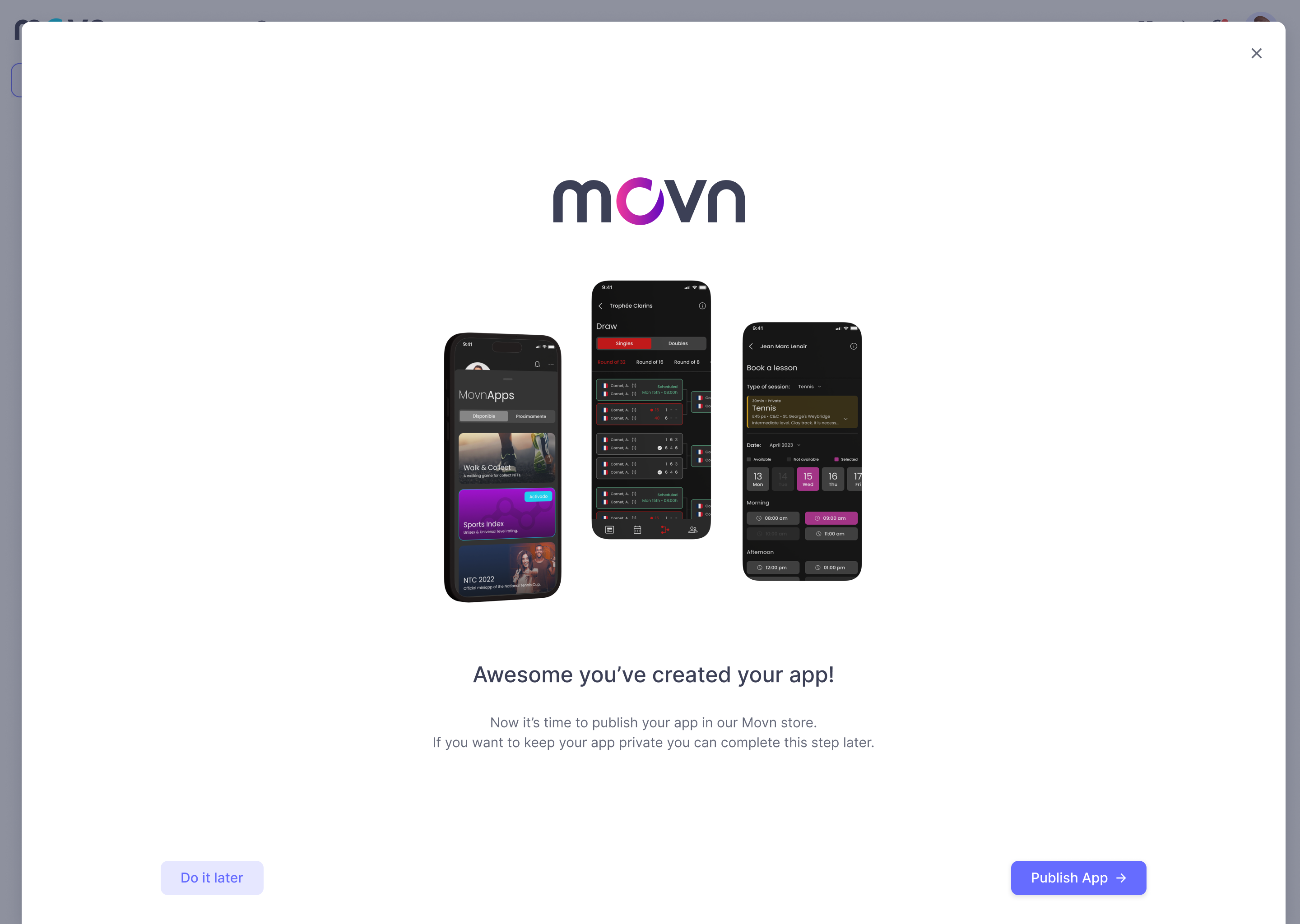
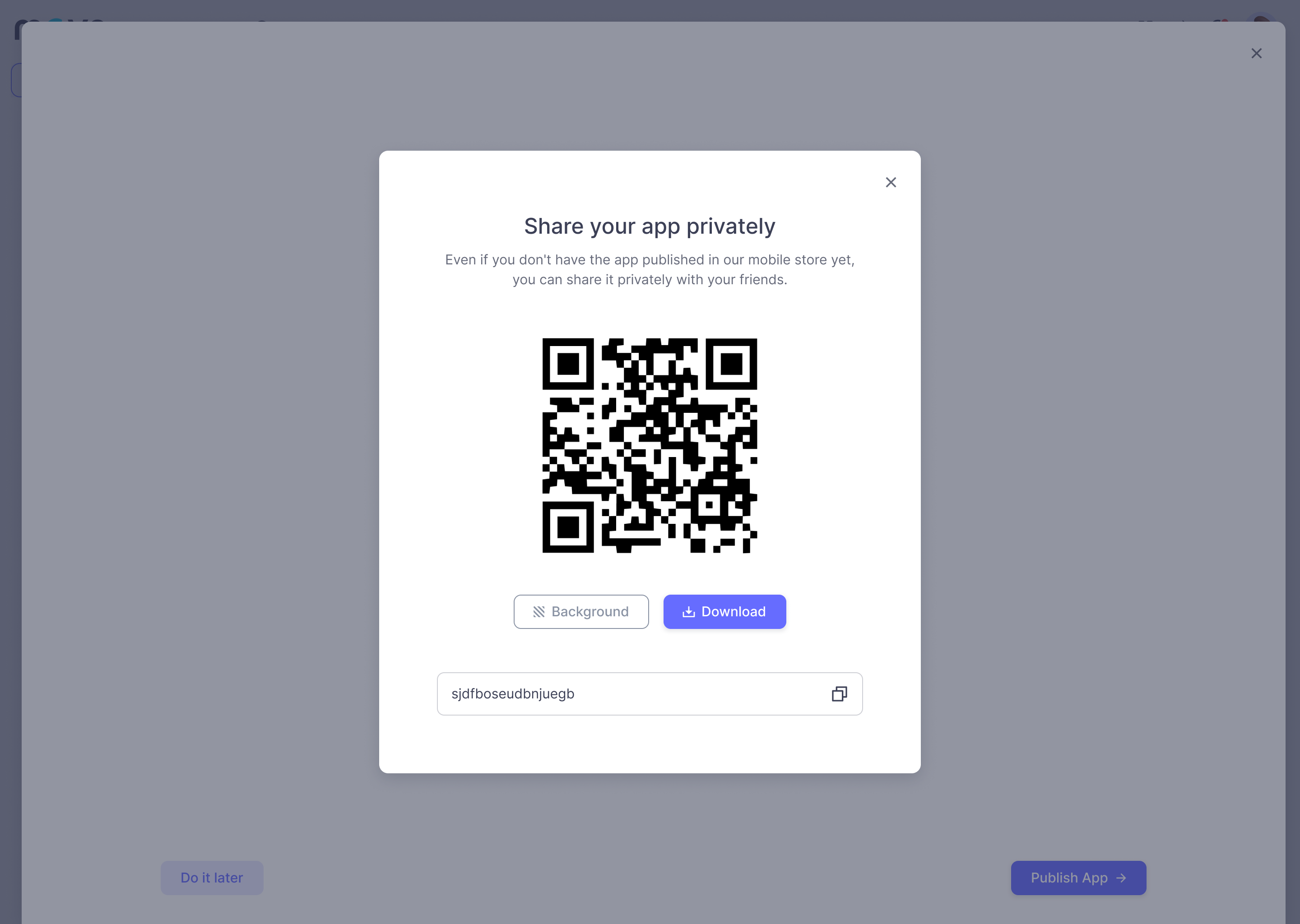
- If you choose Do it later: your app will be in stand by, (it won't be published on the Movn store) but don't worry, if you want you can share with your friends privately with a QR or a Link.
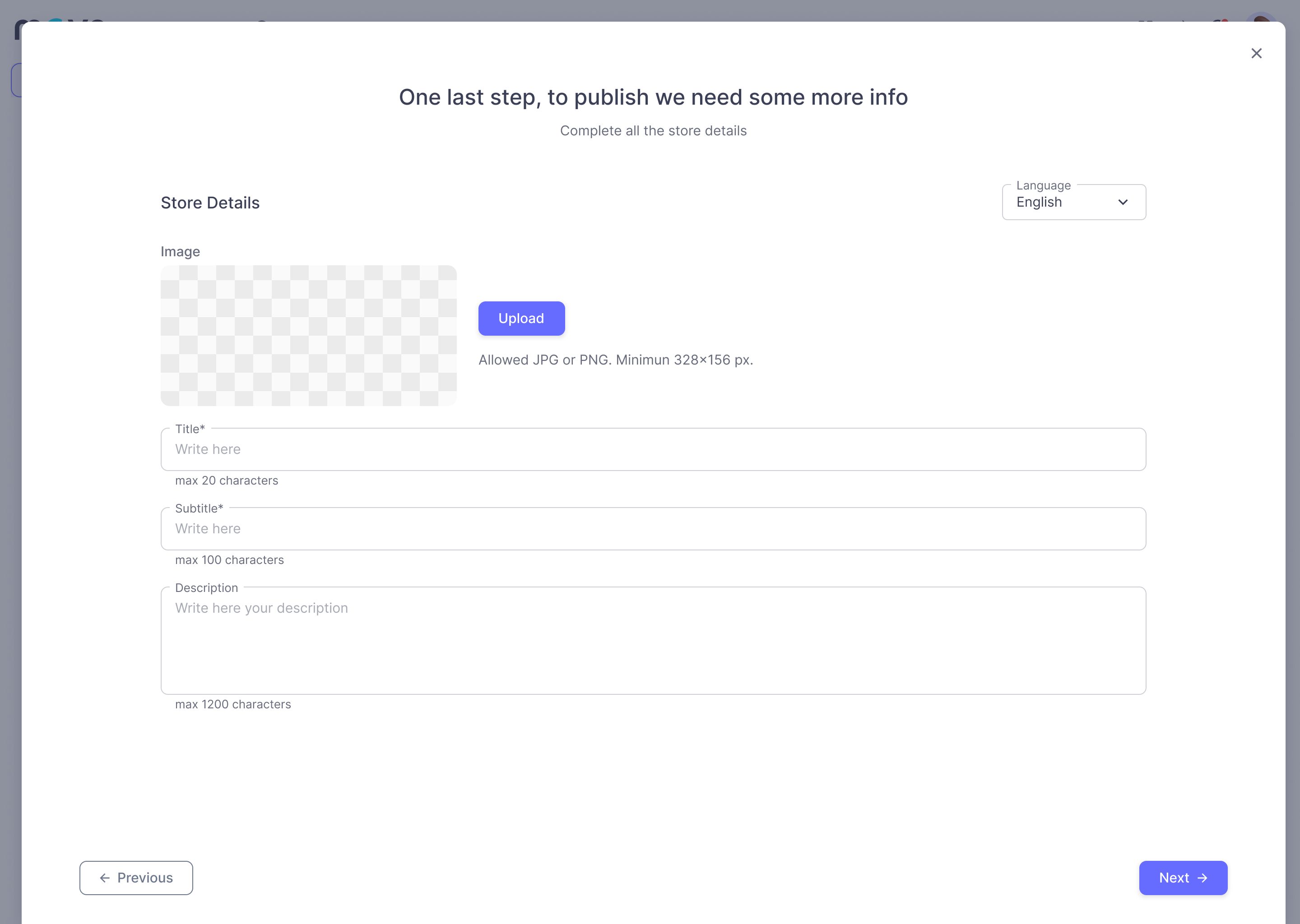
- Publish your App: you need to complete all the information that will be available in the Movn store.
- Your App if published! You finished the app creating process!
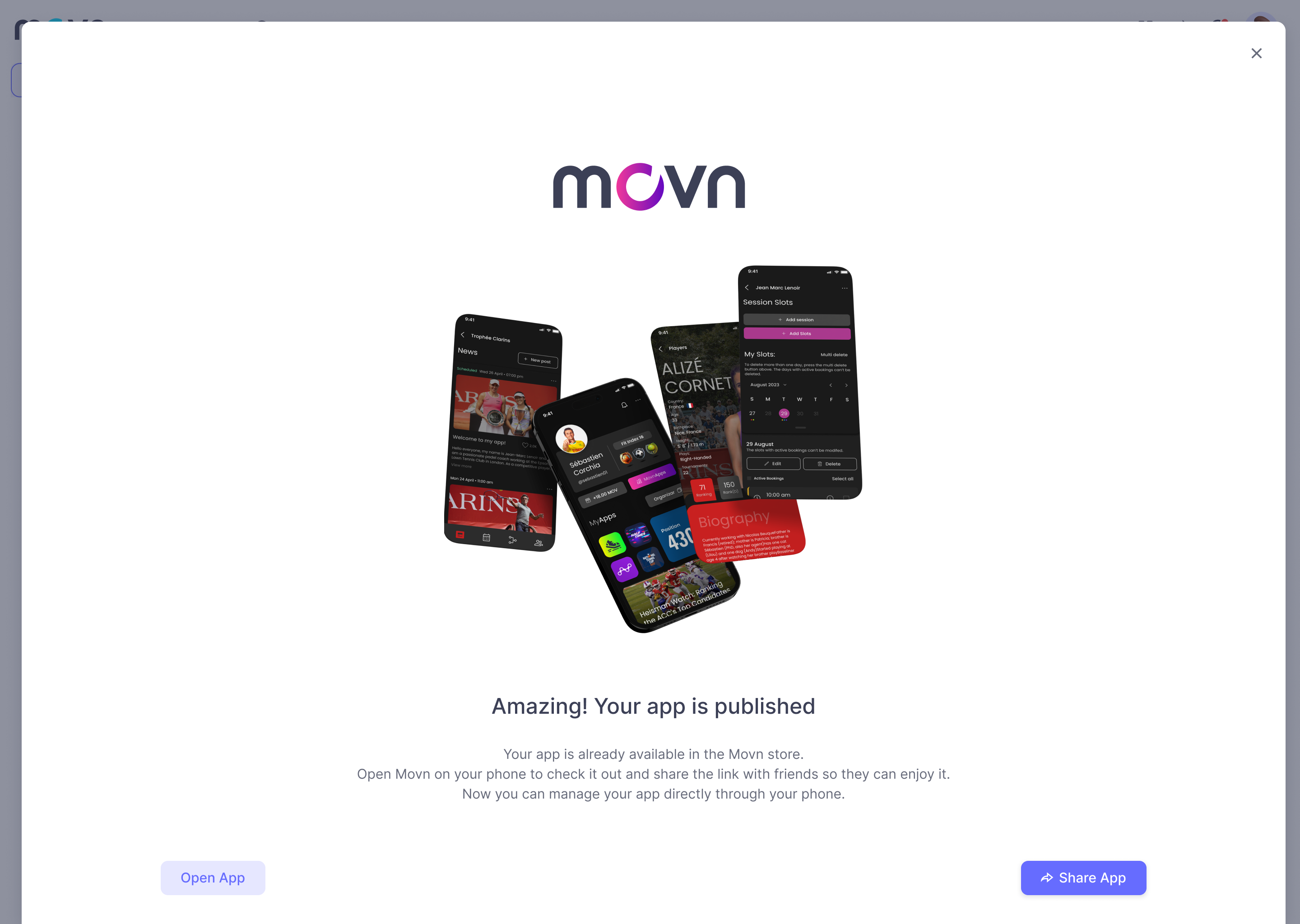
Now you can open your app o share it with your friends!
💡 Tips:
- Put the modules in visible mode before you share your app otherwise the app won't open.
- Setup the modules before sharing the app otherwise the corresponding tabs won't open (ex: the knowledge base module tab won't open in the app if no information has been entered)