
App Configuration - Manage Admins
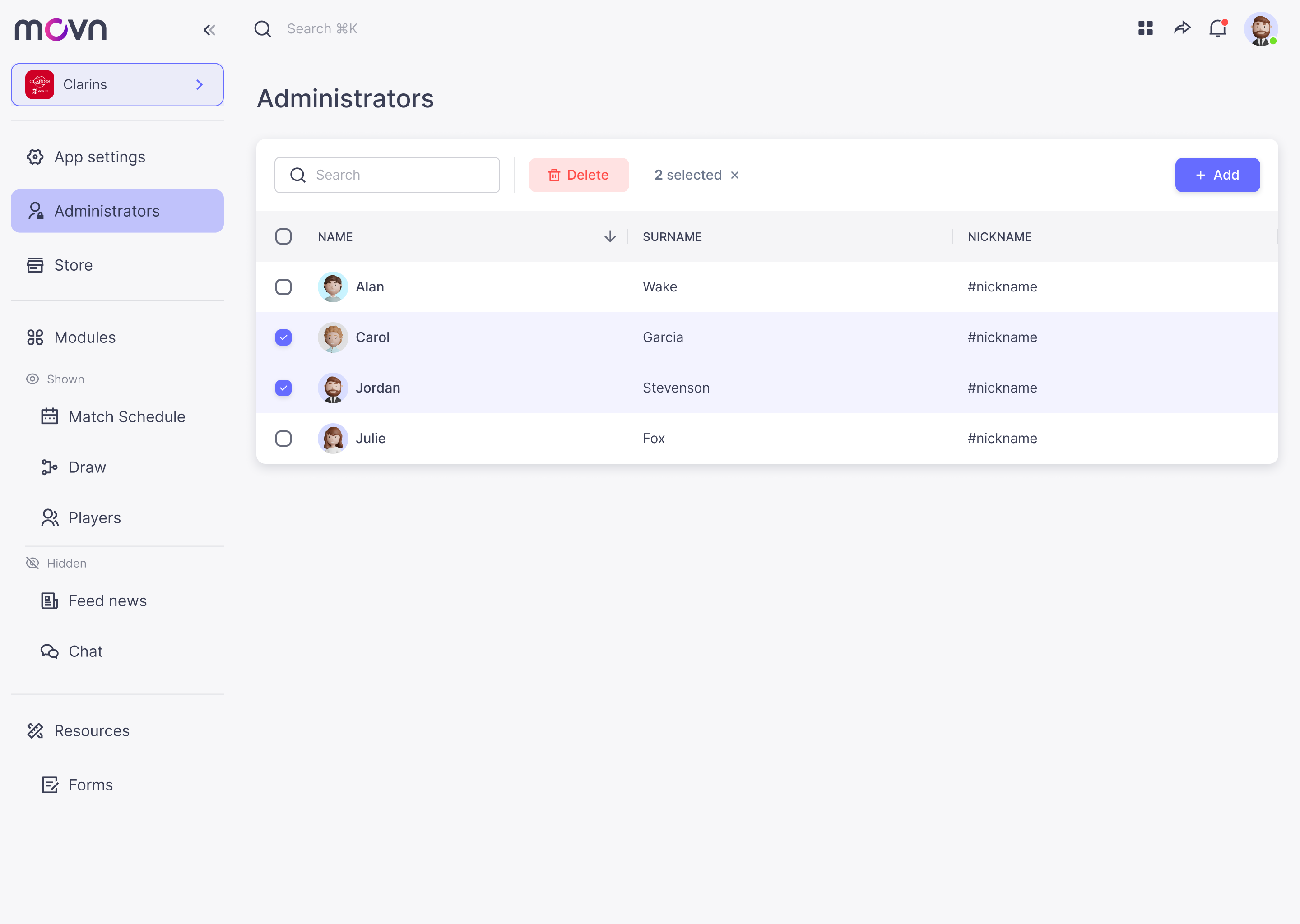
- Go to Administrators in the left menu.
Add admins
- Click on the Add button.
- A pop up will appear. Type the user's nickname used in movn.
- That's all! Admin added. Now it will appear in the table.
Delete admins
- Select the admin or multiple admins from the table.
- Click on the delete button.
- Confirm the action and the admin/s will be deleted.
Note:These are general admin rights, allowing full management of the app. You can also assign specific rights for individual modules—for example, Events (to access check-in mode), News Feed (to create, edit, schedule, and publish news), and others.