How can I change the order of the modules in the app?
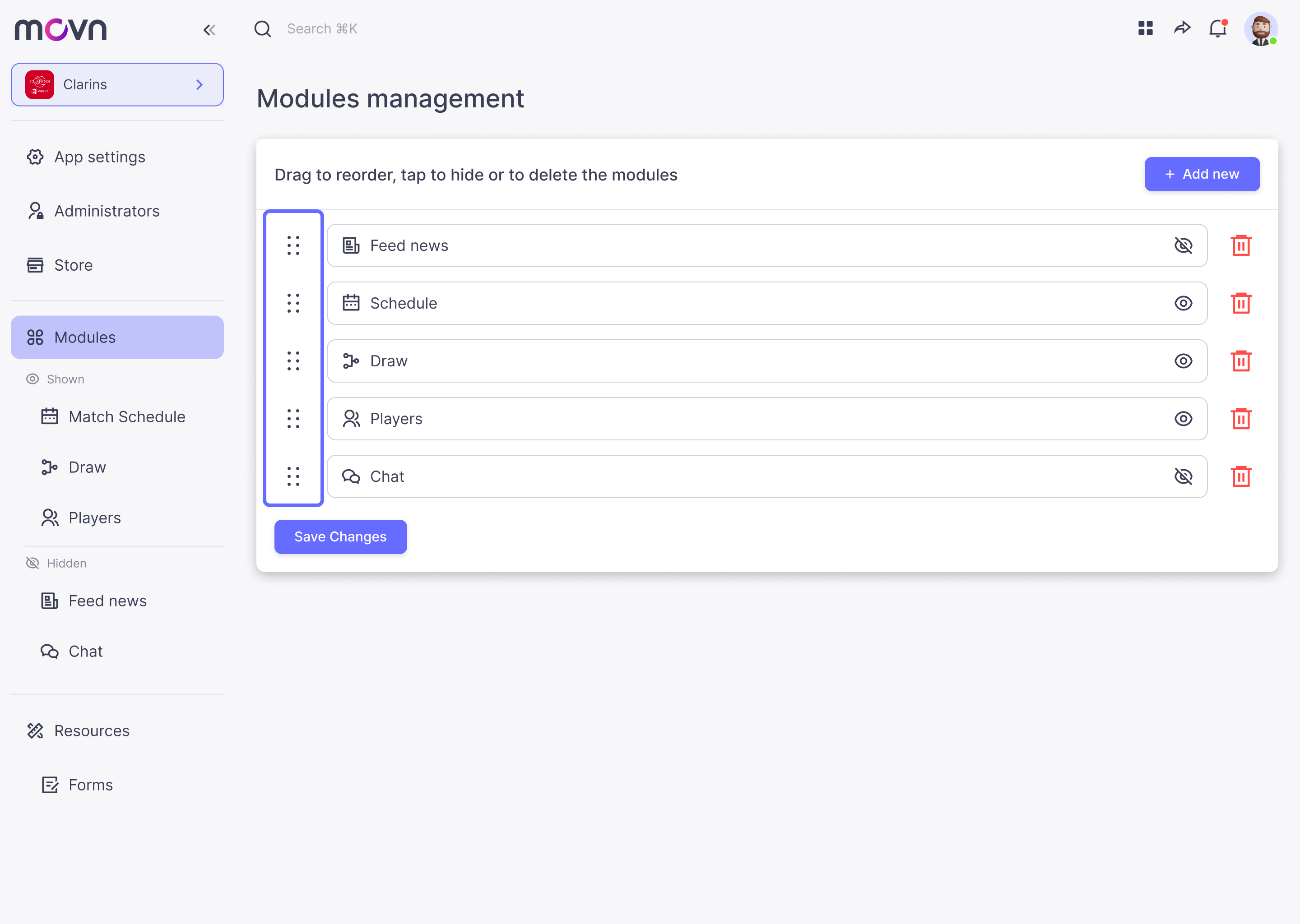
- Go to Modules in the left menu.
- There is a list of your modules and in the left there is an icon.
- Click and drag the module to the position you want, then stop dragging.
- Save changes.
Note: the order of the list indicates the order from left to right of the lower menu of your app.