
How can I change the welcome message of the Hot Line module?
Make sure you have the "hot line" module installed
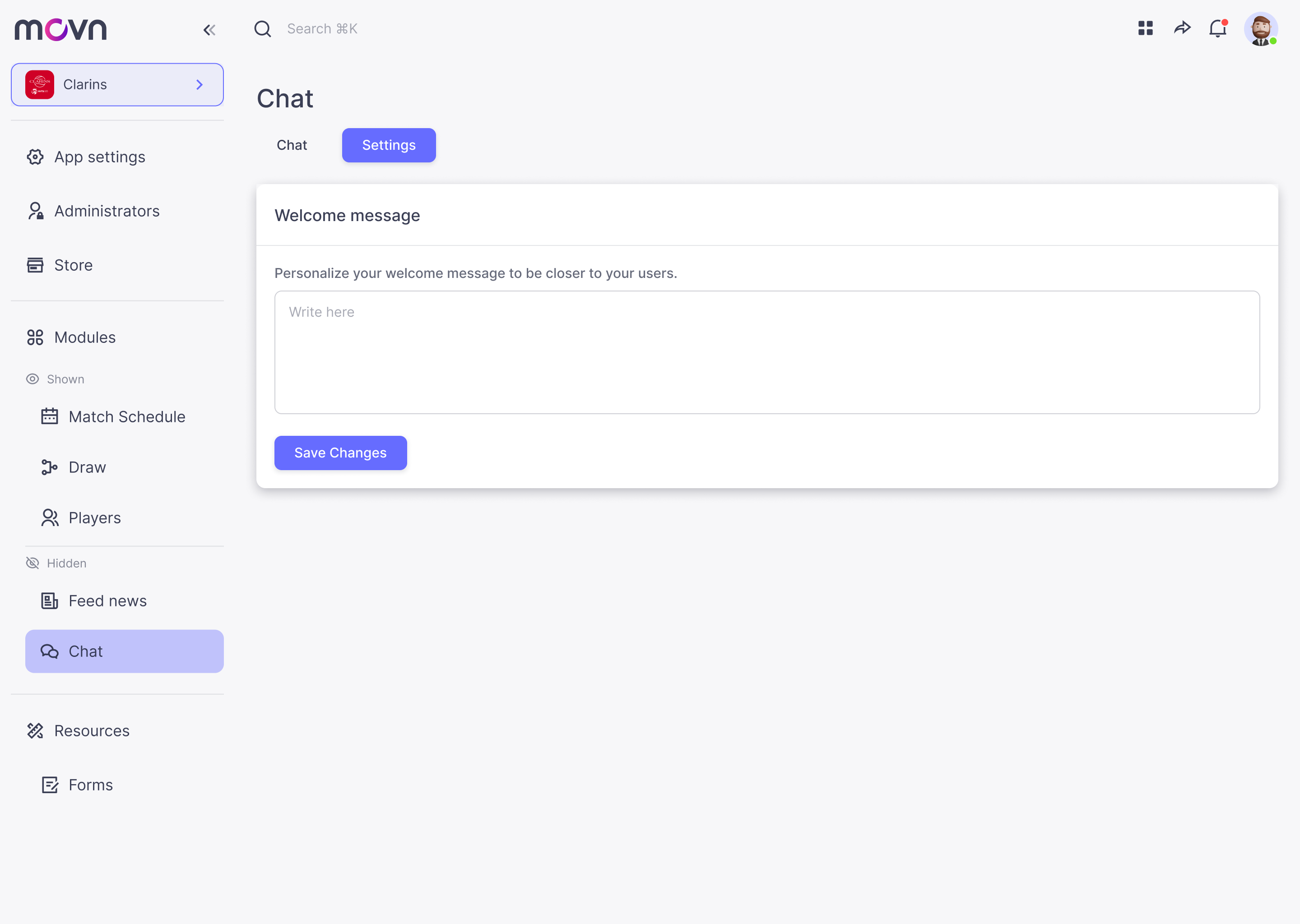
- Go to Hot line in the left menu.
- Tab Settings.
- Type your personalized welcome message.
- Save changes.
Note: The hotline is different from the chat. The chat is a conversation between users, while the hotline connects a user directly with the app admins. Replies from admins are sent on behalf of the organization, not under their personal names.