
How can I import my events?
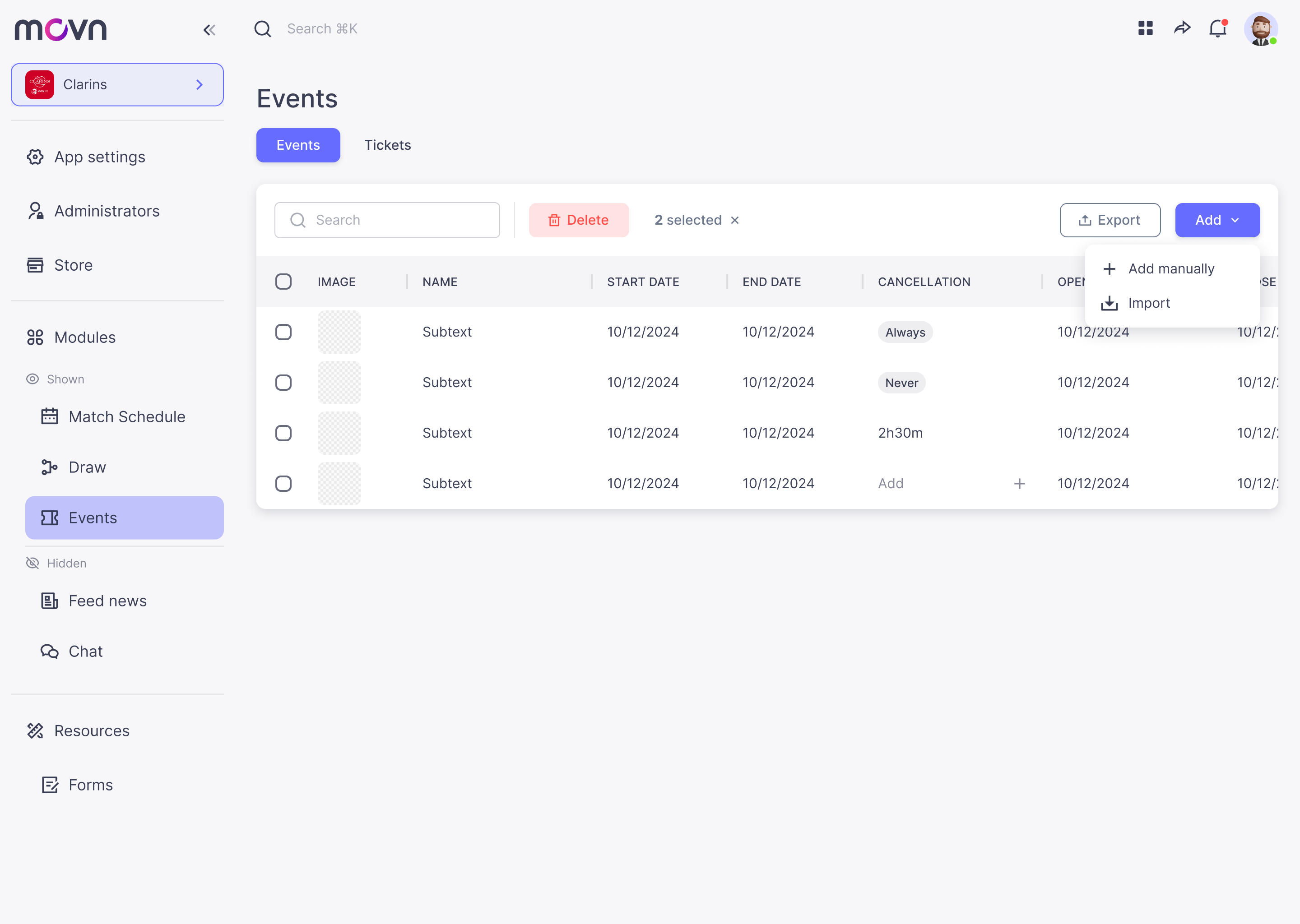
- Go to Events in the left menu.
Events
- Put your cursor on the add button.
- A dropdown list will appear. Click on Import.
- A pop up will appear.
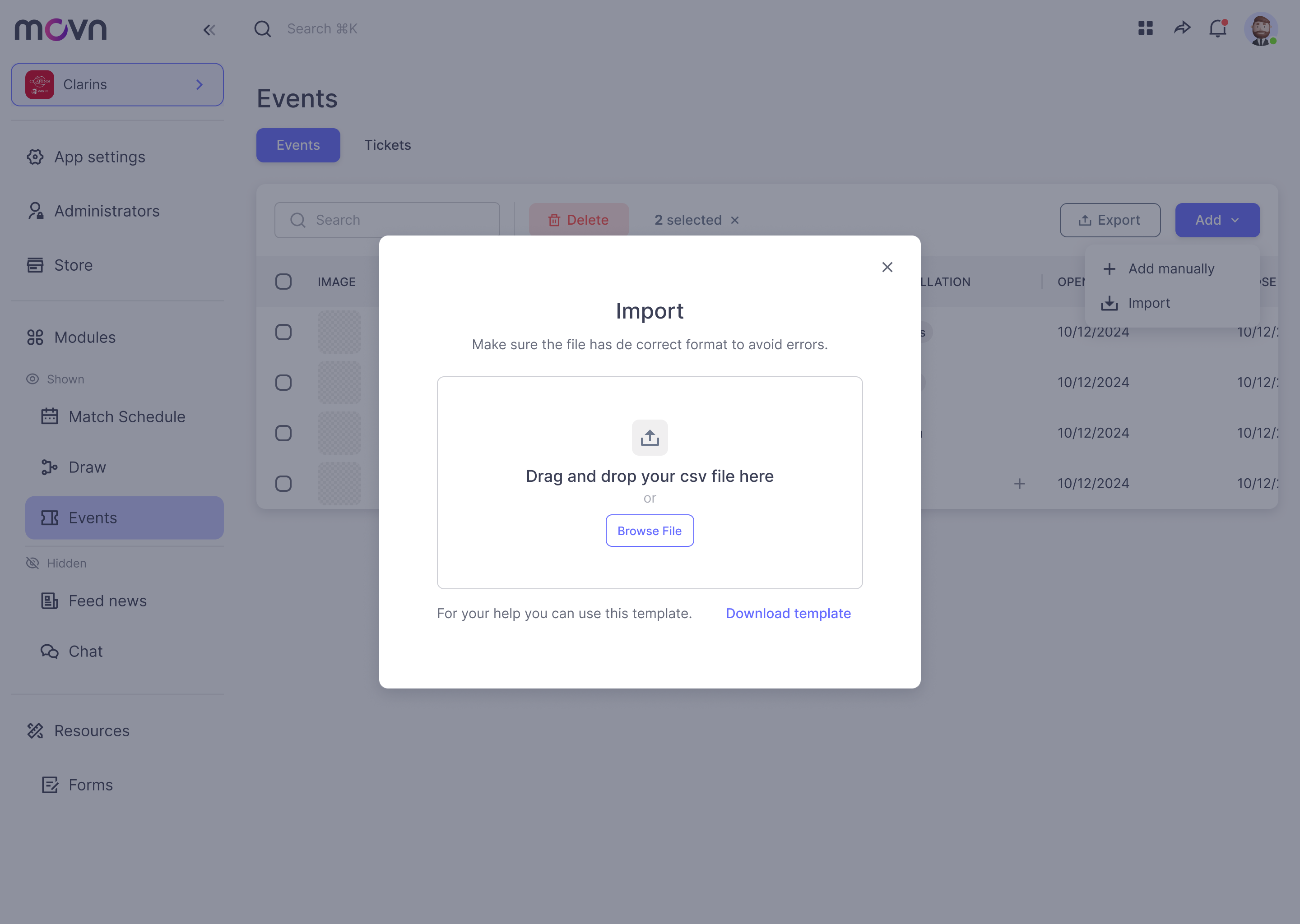
- Drag & drop a CSV file will all the data you need to import. If you have any problem with your file, download our template for your help.
- Wait until is uploaded.
- That's it! The data must be added to the table.