
How can I see people who checked in to my events?
- Go to Events in the left menu.
- Click on Tickets in the superior menu. (The one below the title)
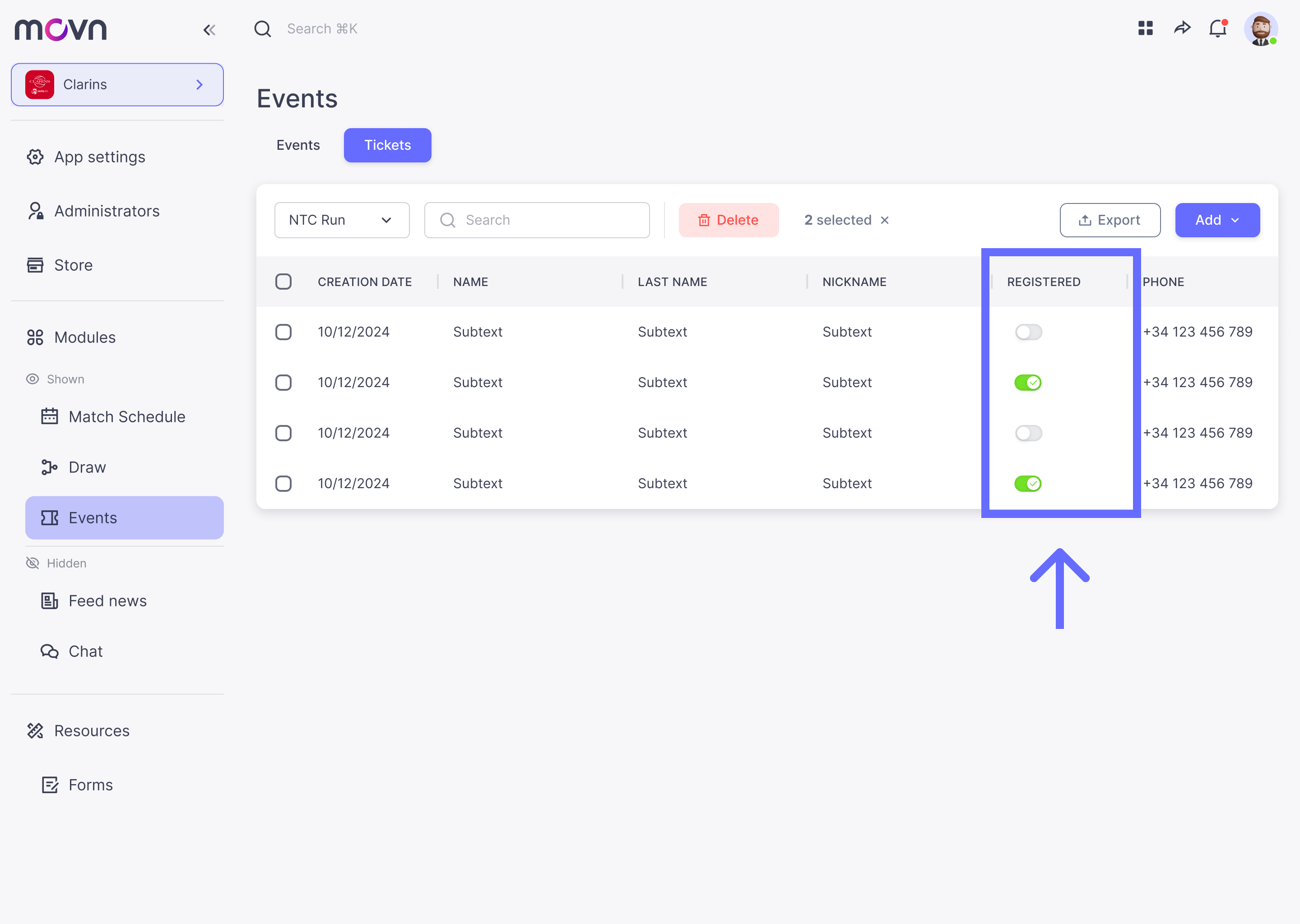
- In the table, go to the Registered column.
- Here you will see who has already checked and who doesn't.
NOTE: You can also see this information from the app if you are admin of if you have the Verifyer's rights. Click HERE to see how to setup Verifyer's rights.