
Modules - Knowledge Base Presentation
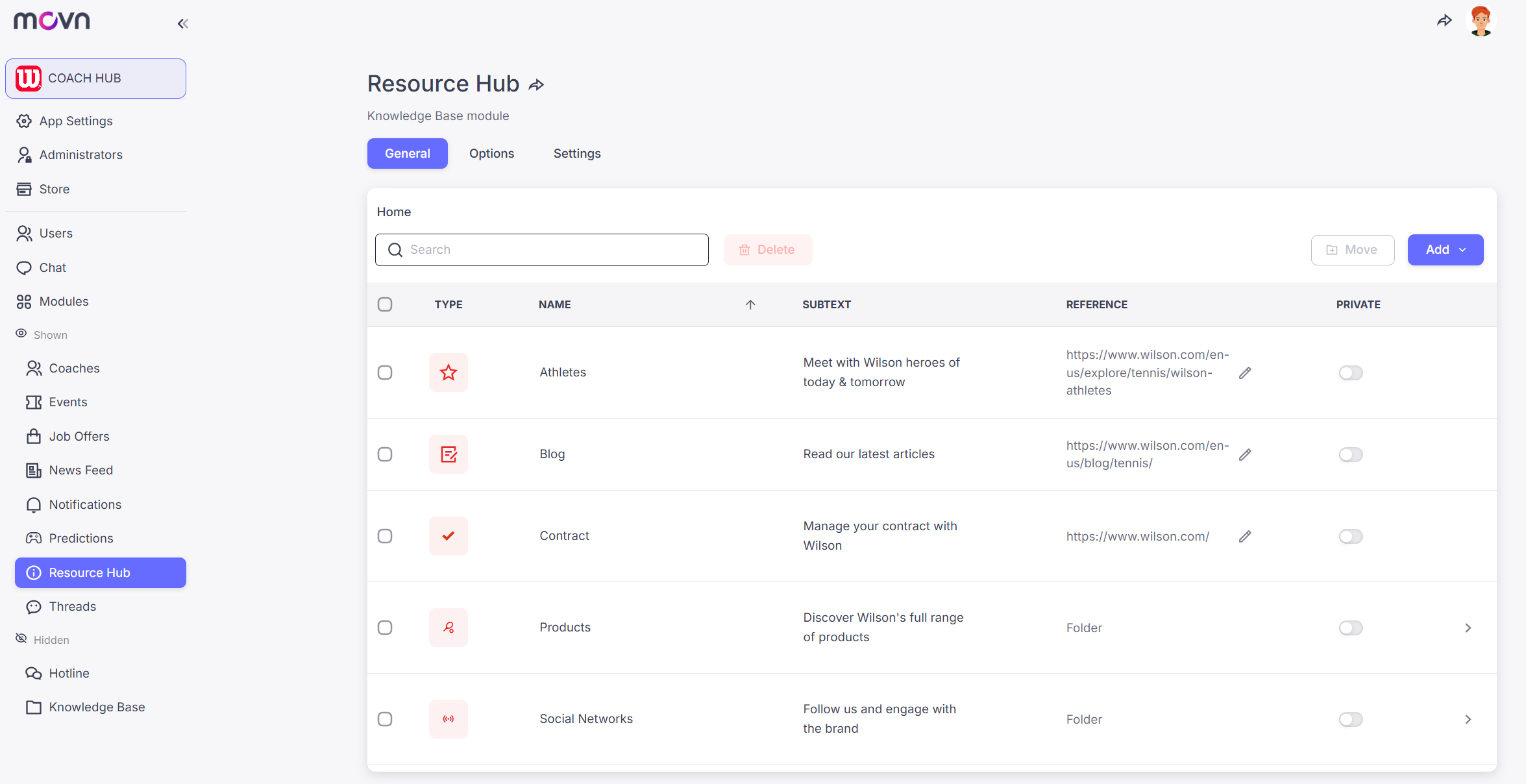
The Knowledge Base is the central information hub of your app.
It allows you to organize documents, resources, and tools in one simple mobile interface for your community.
Whether you need a document library, a gateway to external tools, or a mobile learning center, the Knowledge Base adapts to your needs.
Content is organized using Smart Buttons.
Each button has a Title and Subtitle, giving you full control over how users navigate your content.
Each button can trigger one of four actions:
🔗 Links — Connect External Tools
Use the Knowledge Base to direct members to external platforms.
Use cases
- Link to a ticketing platform
- Open a federation website
- Access a merchandise shop
- Launch another app or service
📄 Enriched Text — Native Content
Create formatted pages directly inside the app.
Use cases
- Club history
- President’s welcome
- Tactical guides
- Community information
⬇️ Downloads — Share Resources
Provide files that members can download to their devices.
Use cases
- Liability waivers
- Tournament schedules
- Rulebooks
- Brand assets
📂 Folders — Structure Information
Create folders and subfolders to keep complex information organized.
Use cases
- Organize tournaments by age category
- Structure coaching resources
- Separate documents by team or season
Common Uses
Clubs and organizations typically use the Knowledge Base in three ways:
Operational Hub: Centralize rules, codes of conduct, and administrative documents.
Toolbox: Gather links to all digital services used by the community in one place.
Training Center: Create simple learning paths for volunteers, coaches, or players.
Example:
Create a “New Volunteer Training” folder with instructions, resources, and links to video tutorials.
It becomes a simple mobile training center inside your app.
Click HERE to learn how to configure the Knowledge Base module.