Modules - Events - Access Control & Check In
The Event module enables you to manage attendee entry and check-in in a fast, secure, and efficient way.
Admins and users with Verifier rights can operate access control directly from the app, making it easy to validate participants in real time during the event.
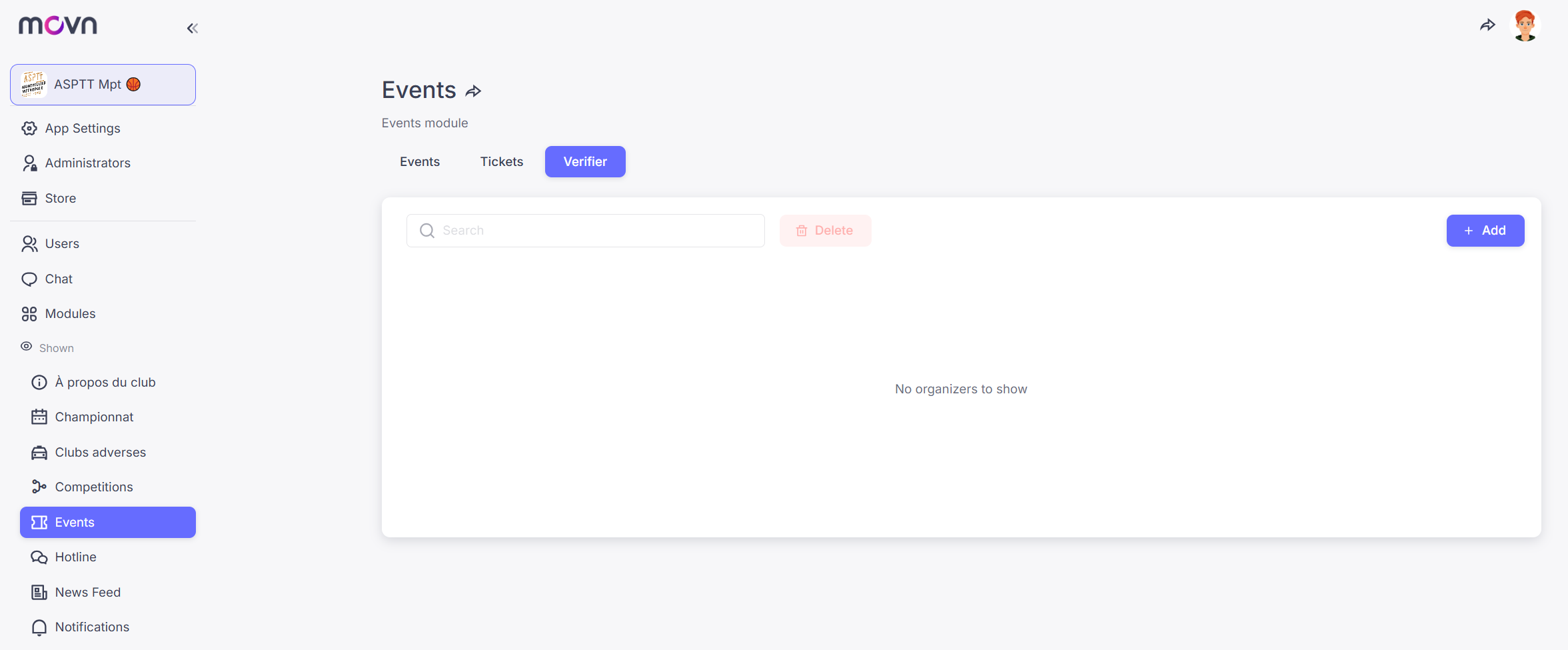
See at the end of this tutorial to grant verifier's rights from the back office web.
📱 Check-in from the App (Recommended)
The fastest and most efficient way to manage event access is directly from the app.
Steps:
- Go to the Events tab in the app
-
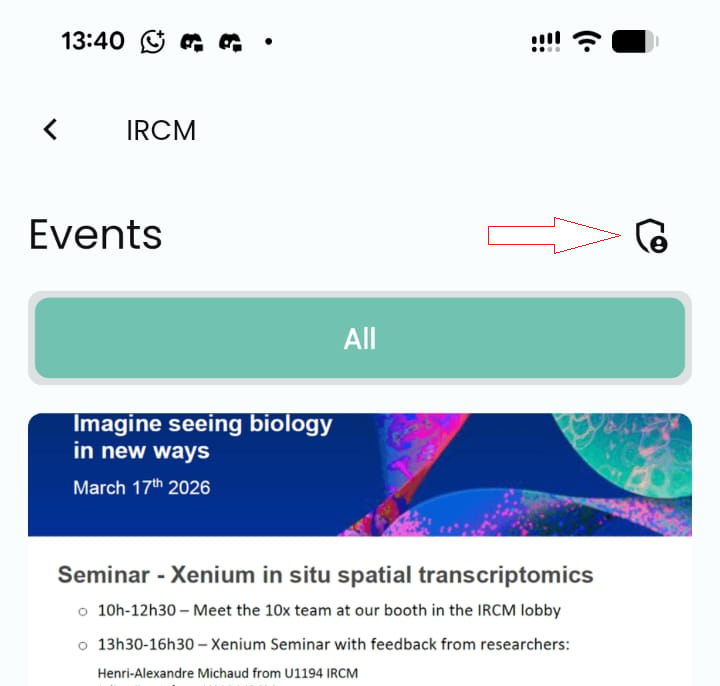
Tap on Admin Mode icon (top right corner)
- Select your event
- Search for the attendee by name or
- Scan their Medikka ID (QR code) available from their profile
Once the attendee is found, simply mark them as Registered to grant access.
|
|
|
|


💻 Check-in from the Web Back Office
You can also manage access from the web-based back office.
Steps:
- Open the Event Module
- Go to the Tickets tab
- Activate the “Registered” toggle to check in an attendee

How to assign verifier's rights (check-in)
If you need to control access to an event, you can give certain members of your organization the rights to verify attendees at the entrance—without granting them full admin rights. The Events module allows you to assign a specific Verifier role:
- Go to Events
- Select the Verifier tab
- Click Add
- Enter the name or Movn ID of the user you want to grant verifier rights to